> For the complete documentation index, see [llms.txt](https://docs.finch3d.com/llms.txt). Markdown versions of documentation pages are available by appending `.md` to page URLs; this page is available as [Markdown](https://docs.finch3d.com/docs/first-steps/rhino/add-context-geometry.md).
# Add context geometry
Add surrounding buildings, facade details, balconies, nature, etc.
### 1. Load your variant
* Select your variant from the **`Variant`** drop-down menu and **`Load`**.
### 2. Create custom geometry sub-layers
* Create sub-layers inside of the **`custom geometry`** layer to create display groups with individual display colors and visibility toggles in the web app.
* Once you have placed your geometry on the correct layers, hit **`Sync`** to send it to the web app.
{% hint style="info" %}
Finch displays only the first level of sub-layers:
> `custom geometry`
>
> > **`context buildings`** *(this layer will be displayed)*
> >
> > > `office`
> > >
> > > `apartments`
* In this case, Finch will display the layer **`context buildings`** as a group containing `office` and `apartments`.
* This feature can be used to show geometries with complexity, such as a building with facade detailing and windows, as one object group with multiple colors.
{% endhint %}
{% hint style="info" %}
The display color in Finch is controlled by the layer color in Rhino. If you want green plants and white context buildings, set the **`plants`** sub-layer to green and the **`context buildings`** sub-layer to white.
{% endhint %}
### 3. Toggle visibility in Finch
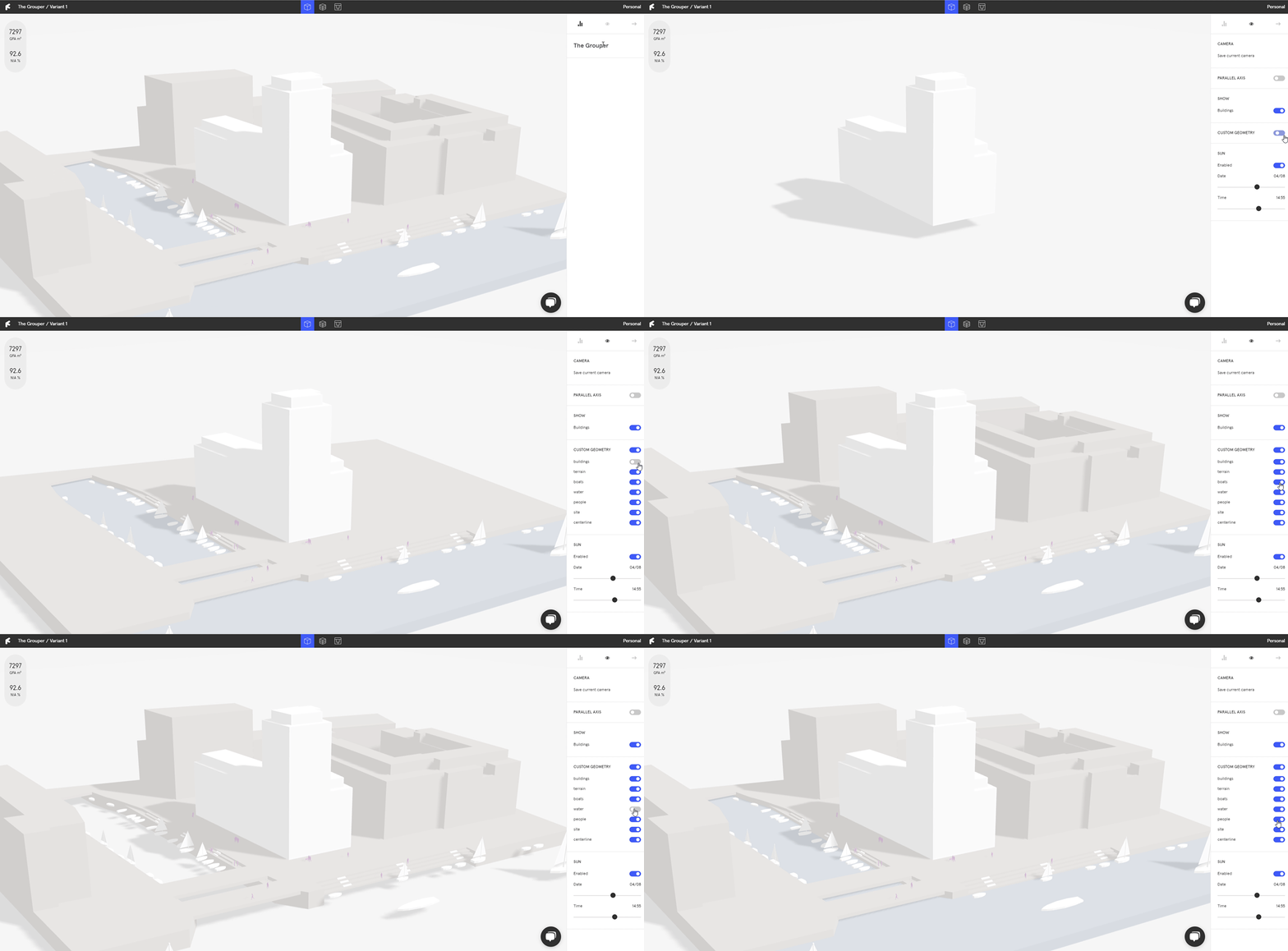
* In Finch, toggle the visibility of custom geometry in the **`Right Panel`**.
***