> For the complete documentation index, see [llms.txt](https://docs.finch3d.com/llms.txt). Markdown versions of documentation pages are available by appending `.md` to page URLs; this page is available as [Markdown](https://docs.finch3d.com/docs/projects-and-variants/feature-bank.md).
# Feature Bank
### Restore past versions
* Want to revert to an older version of your work? With the time machine feature, restore past versions of your variants.
### Daylight & Shadow Simulation
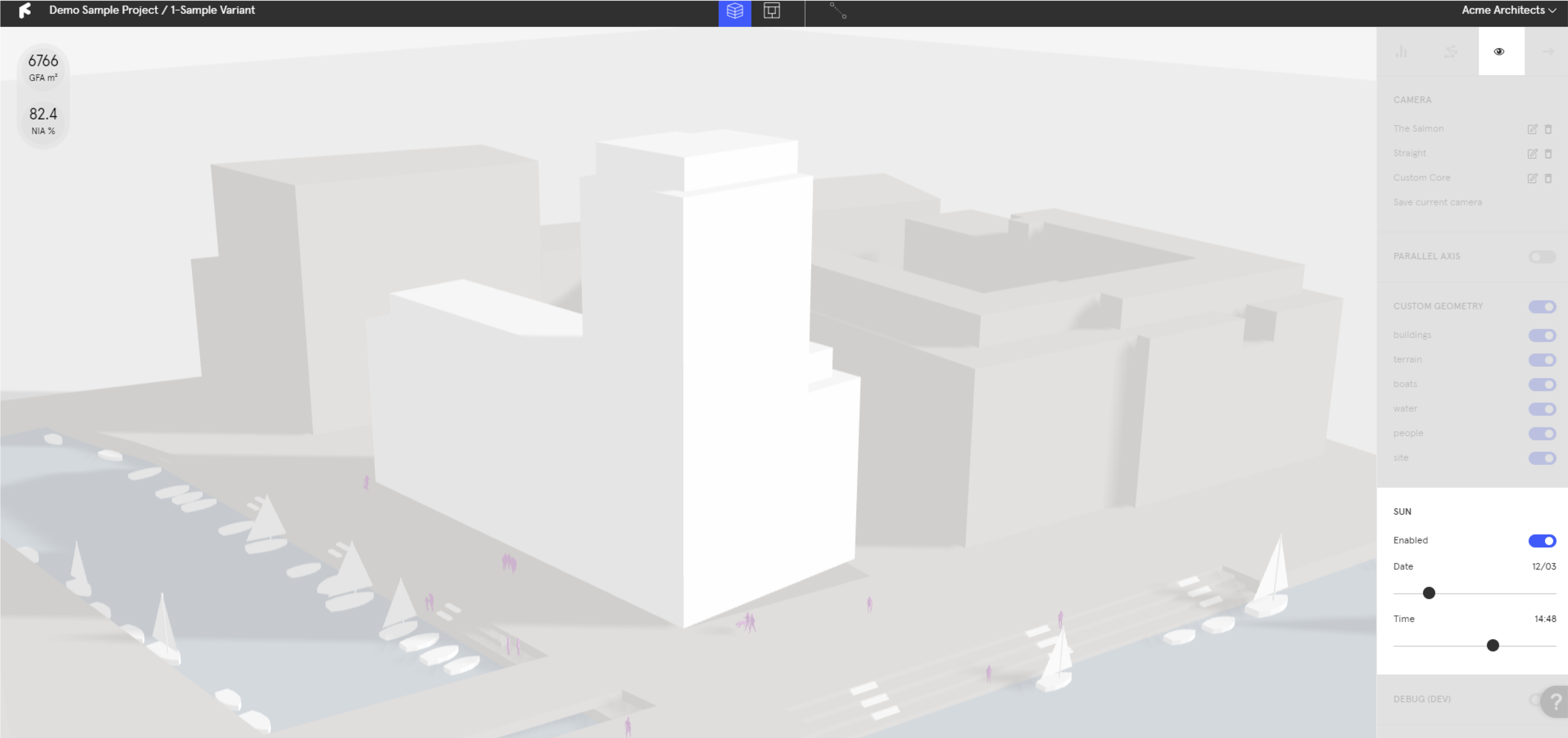
* Under the **`Display Tab`**, toggle the **`Sun`** on and input your sun location to see a shadow path of your site.
### Change Measurement System
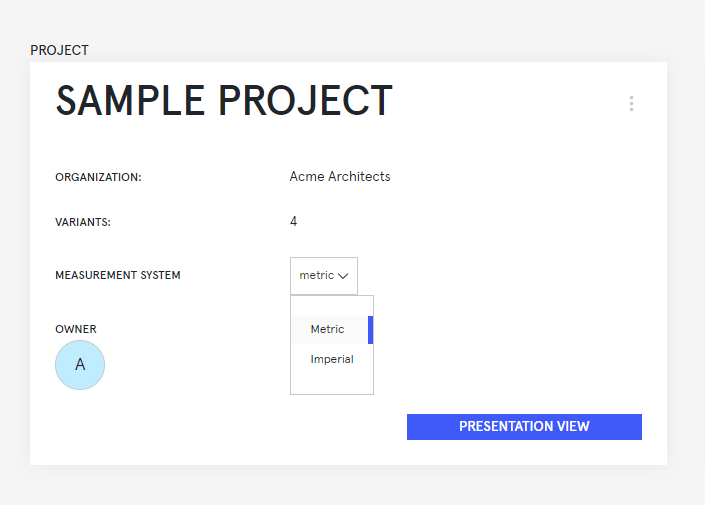
* Switch your unit system between metric and imperial on the project overview page.
* All projects are set to metric by default.
### Set Camera
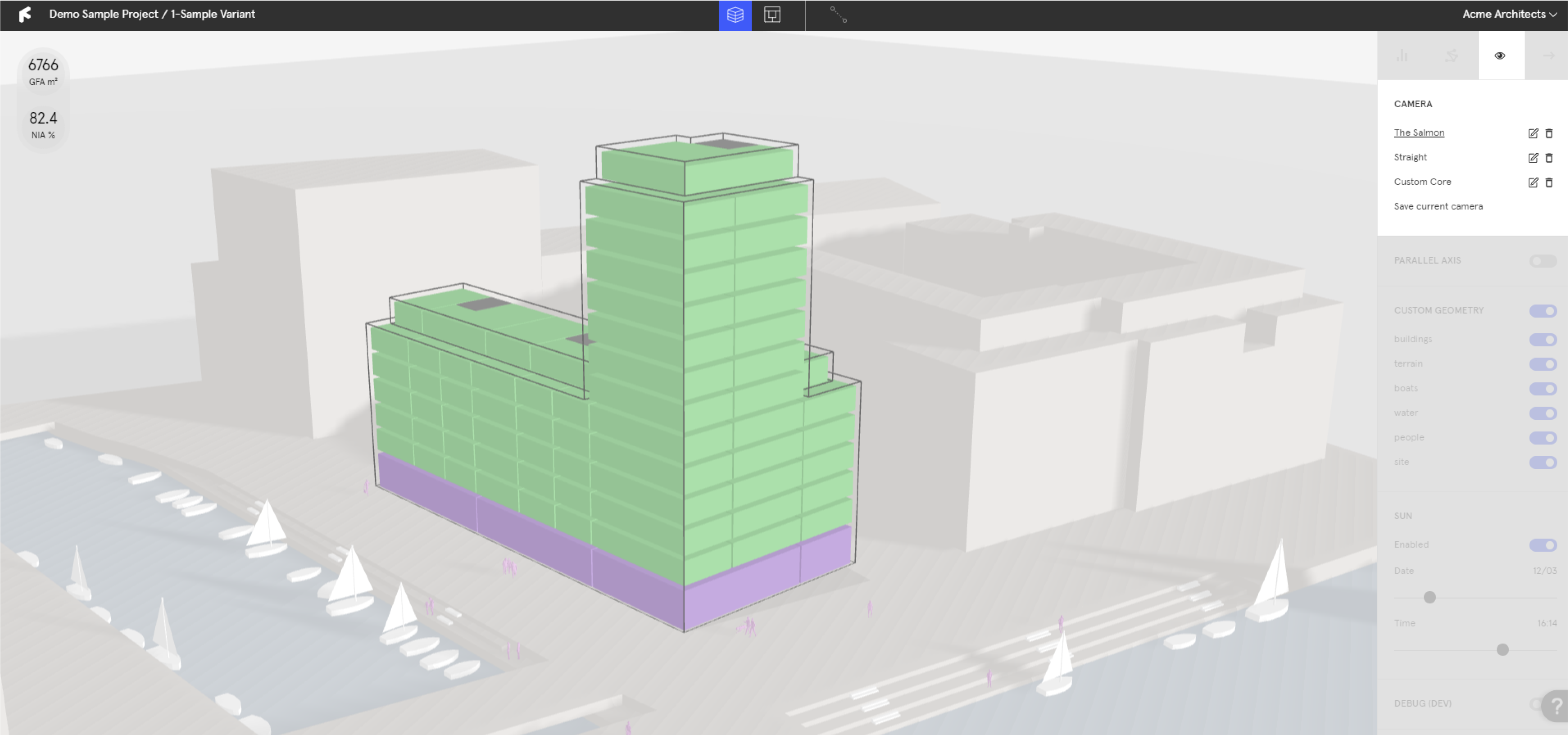
* Under the **`Display Tab`**, orient your canvas to the desired view and select **`Save current camera`**.
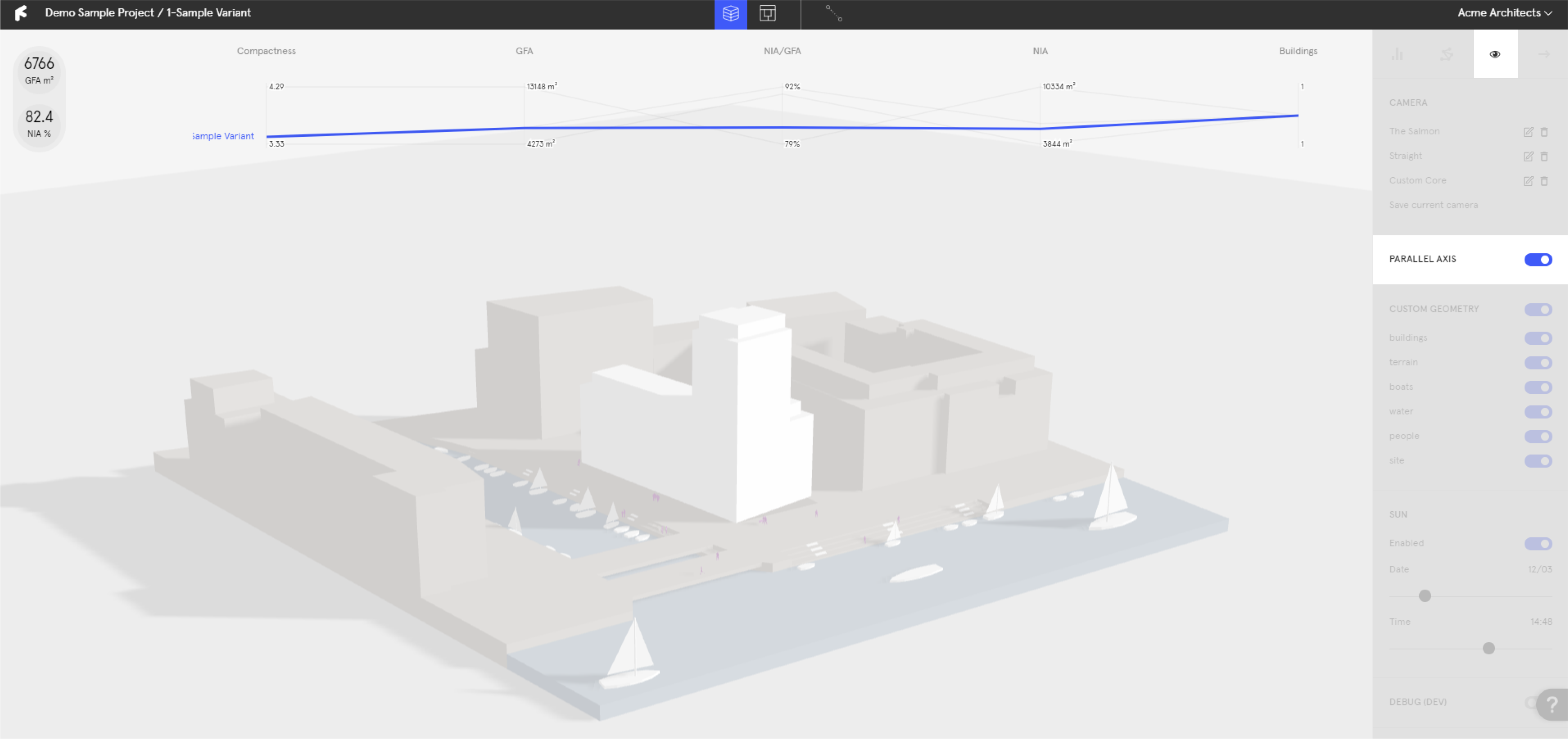
### Parallel Axis Diagram
* Under the **`Display Tab`**, toggle the **`Parallel Axis Diagram`** on.